Online banking angular springboot mysql
★ 132⑂ 981 Jul 2026

Online banking angular springboot mysql
Online banking angular springboot mysql
Online-Bank-Simulator
Spring Boot 4.0 / Spring Data JPA / Spring Security / Hibernate / MySQL / Thymeleaf / REST
The project simulates an online banking system. It allows users to register/login, deposit/withdraw money from accounts, add/edit recipients, transfer money between accounts and recipients, view transactions, make appointments, and more.
There are two roles: user and admin.
| Username | Password | Role |
|---|---|---|
| yu71 | 53cret | USER |
git clone https://github.com/hendisantika/Online-banking-angular-springboot-mysql.git
cd Online-banking-angular-springboot-mysql
Edit src/main/resources/application.properties:
spring.datasource.url=jdbc:mysql://localhost:3306/onlinebanking2?createDatabaseIfNotExist=true
spring.datasource.username=root
spring.datasource.password=root
For email notifications to work, configure SMTP settings in application.properties:
spring.mail.host=smtp.gmail.com
spring.mail.port=587
spring.mail.username=your-email@gmail.com
spring.mail.password=your-app-password
mvn clean spring-boot:run
Access the application at http://localhost:8080
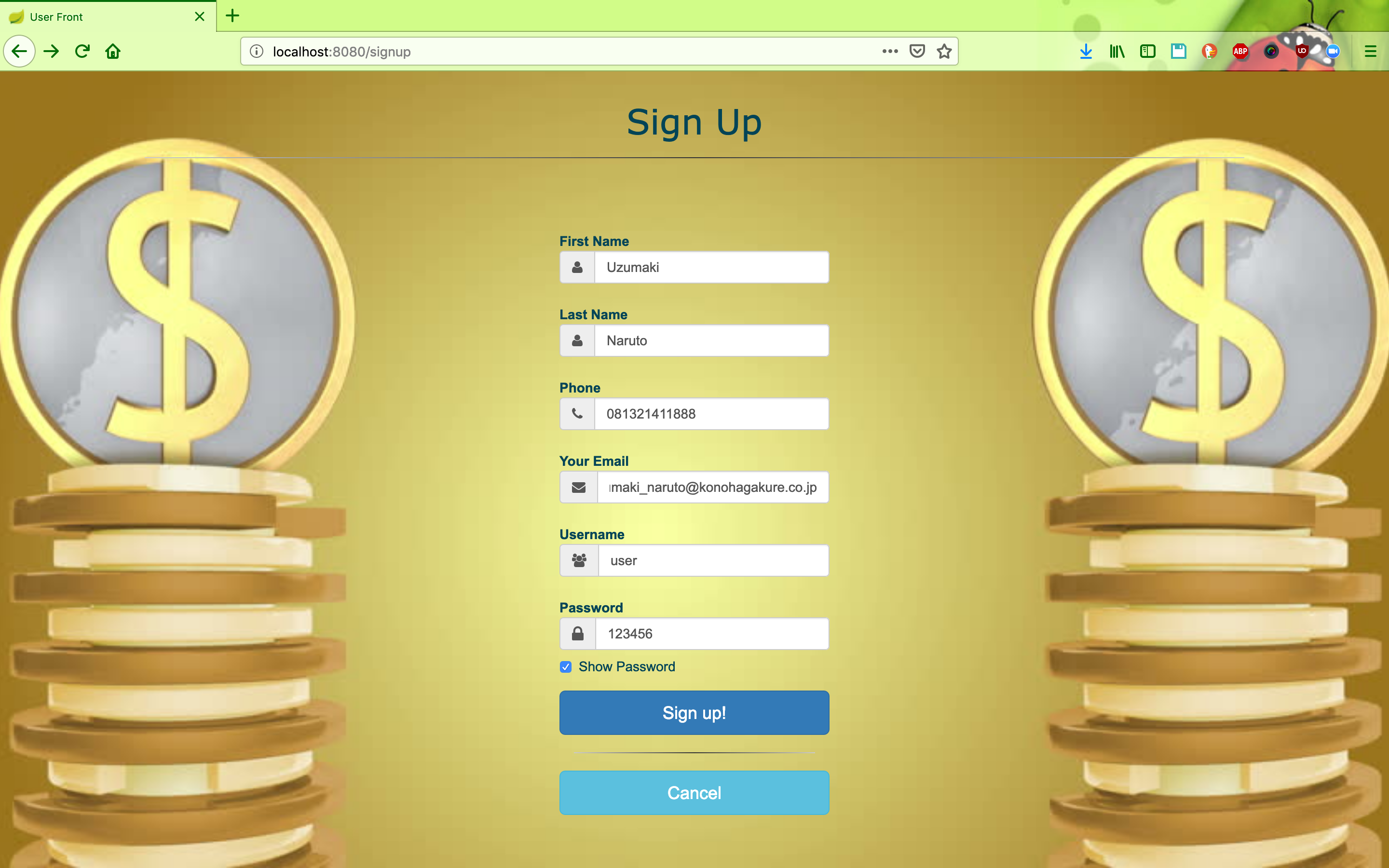
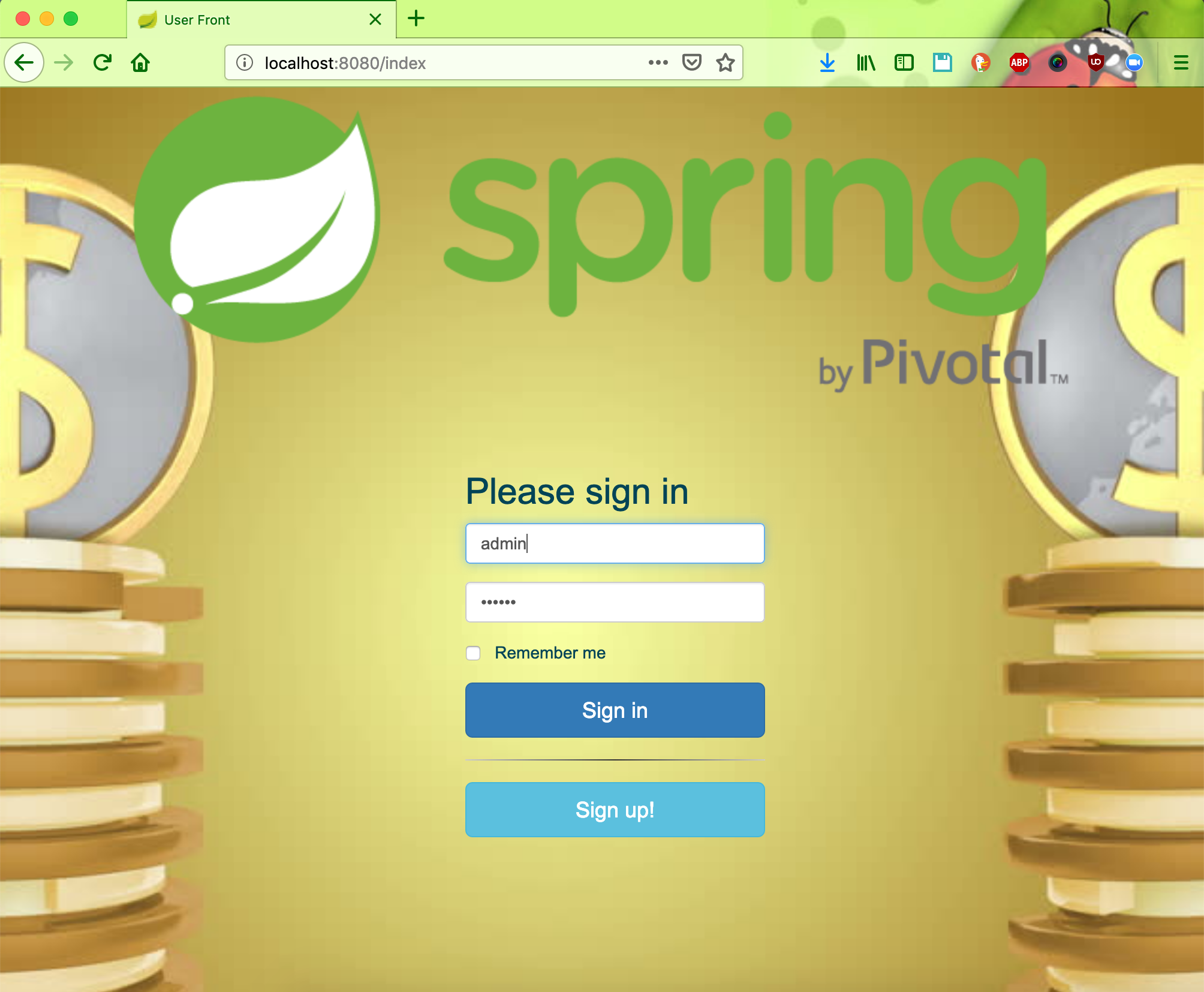
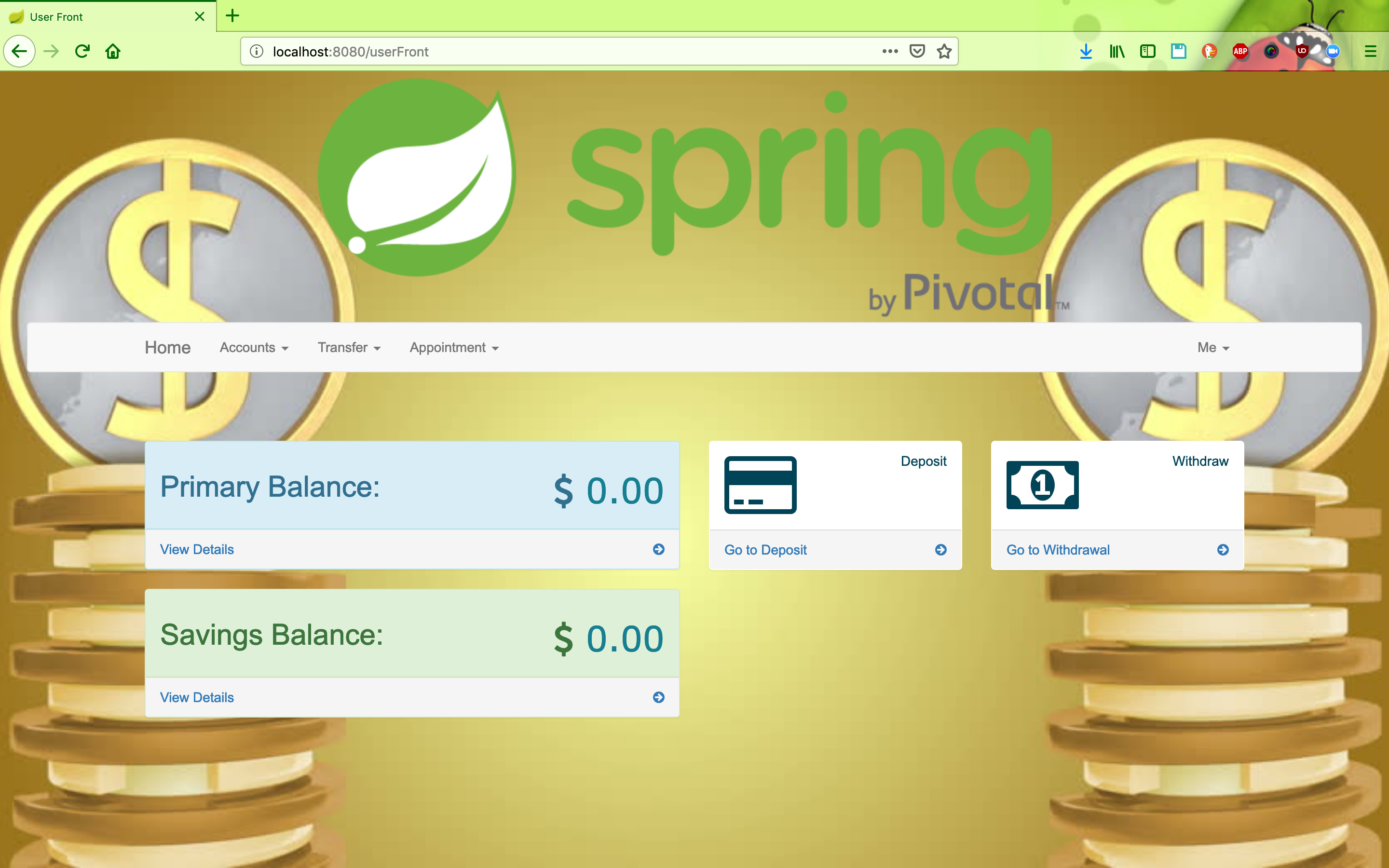
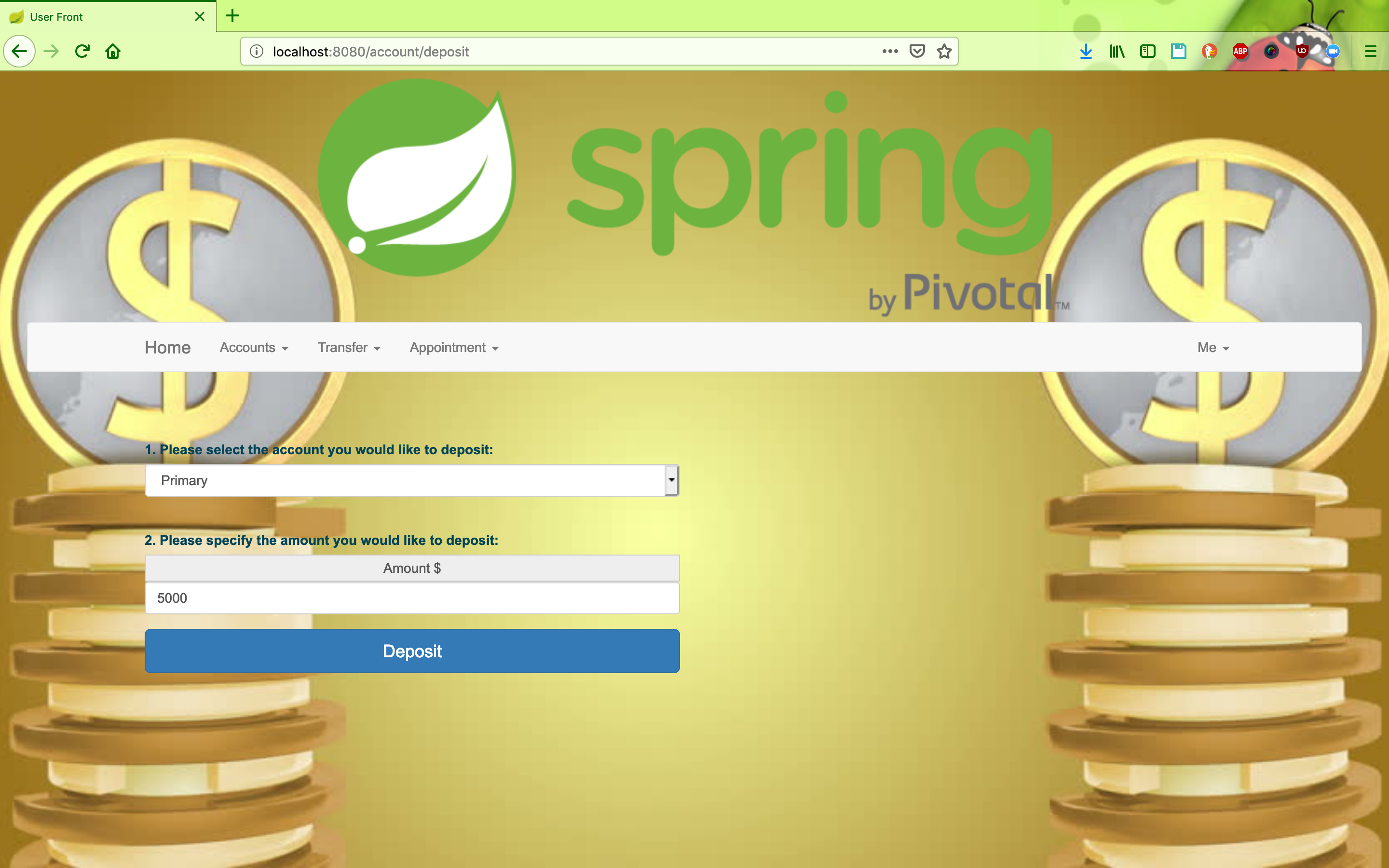
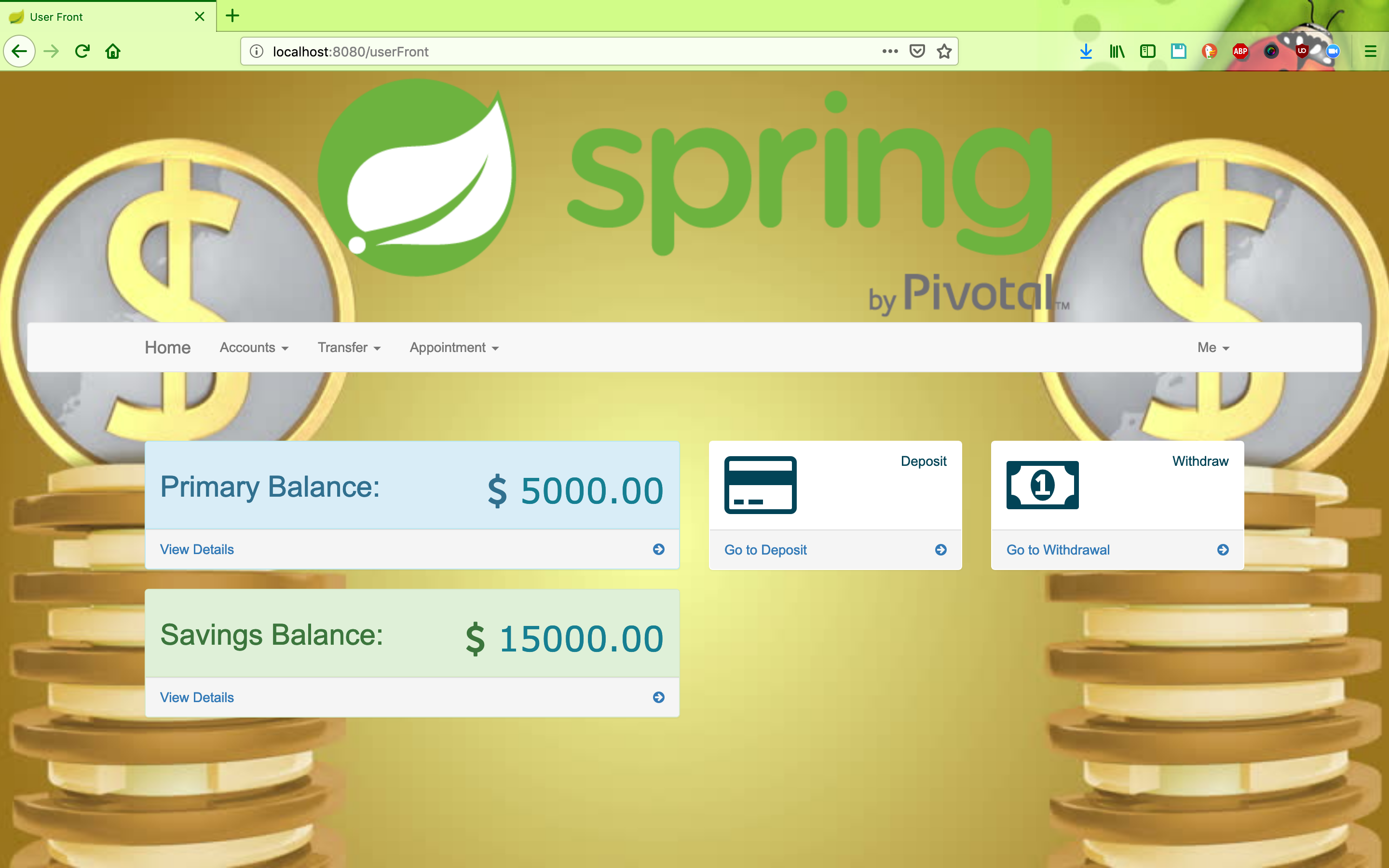
GET / - Home page (redirects to login)GET /signup - Registration pagePOST /signup - Register new userGET /password/forgot - Forgot password pagePOST /password/forgot - Request password resetGET /password/reset - Reset password pagePOST /password/reset - Reset passwordGET /userFront - User dashboardGET /account/primaryAccount - View primary accountGET /account/savingsAccount - View savings accountPOST /account/deposit - Deposit moneyPOST /account/withdraw - Withdraw moneyGET /transfer/betweenAccounts - Transfer between accountsGET /transfer/recipient - Manage recipientsGET /transfer/toSomeoneElse - Transfer to recipientGET /appointment/create - Create appointmentGET /user/settings - User settingsGET /user/activity - Activity logGET /statement/form - Statement download formGET /statement/download/primary - Download primary account statementGET /statement/download/savings - Download savings account statementGET /api/user/all - List all usersGET /api/appointment/all - List all appointmentsdocker run --detach --name=bankmysql --env="MYSQL_ROOT_PASSWORD=root" -p 3306:3306 mysql:8
docker build -t hendisantika/online-banking:latest .
docker run --detach -p 8080:8080 --link bankmysql:localhost -t hendisantika/online-banking:latest
mvn clean package -DskipTests
java -jar target/online-banking-0.0.1-SNAPSHOT.jar
src/main/java/com/hendisantika/onlinebanking/
├── config/          # Configuration classes (Security, DataLoader)
├── controller/      # MVC Controllers
├── entity/          # JPA Entities
├── repository/      # Spring Data Repositories
├── resource/        # REST Controllers
├── security/        # Security entities (Role, UserRole)
└── service/         # Service layer

src/main/resources/
├── db/migration/    # Flyway SQL migrations
├── static/          # Static assets (CSS, JS, images)
├── templates/       # Thymeleaf templates
└── application.properties
This project is open source and available under the MIT License.
Contributions are welcome! Please feel free to submit a Pull Request.